Product Preview Images That Answer Real Buyer Questions
Turn your preview gallery into a useful product tour by showing structure, details, responsive behavior, and realistic content.
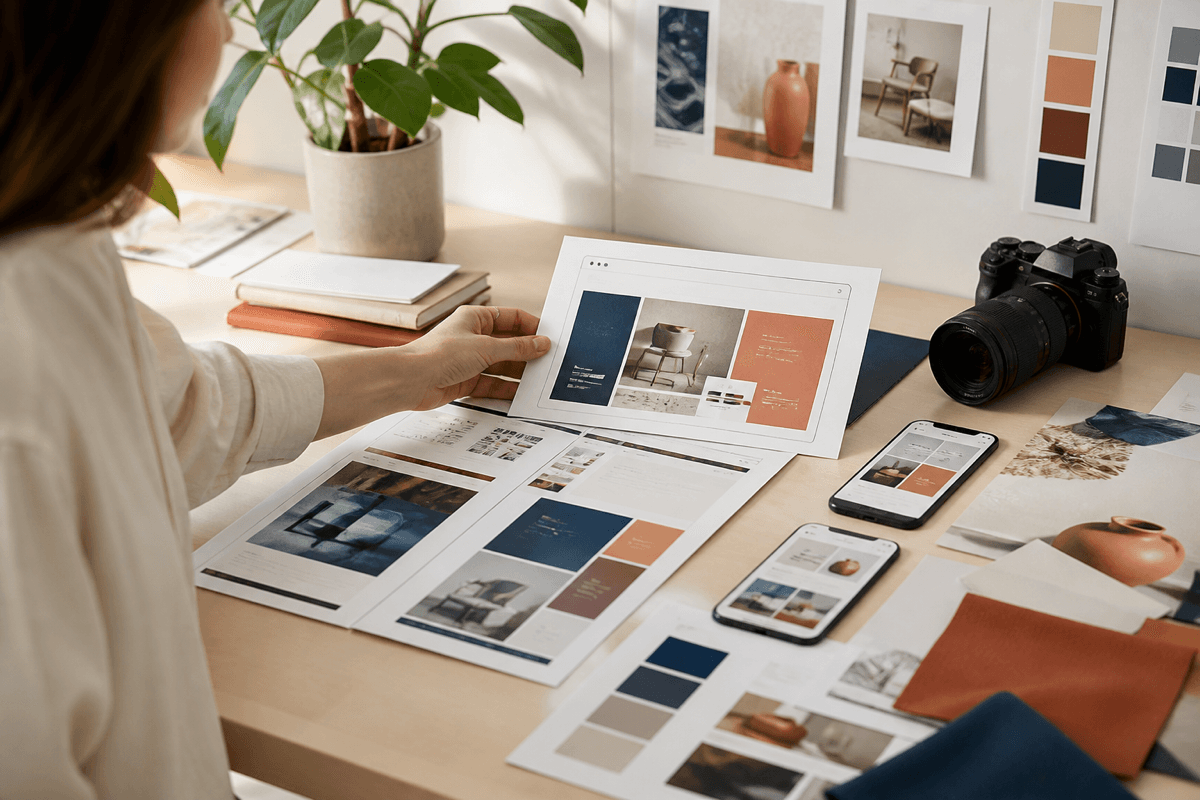
Preview images are not decoration around a product; for many buyers, they are the product demonstration. A beautiful first image earns attention, but the rest of the gallery should reduce uncertainty.
Open with a clear overview that communicates the product category and visual character quickly. Follow it with complete page views or interface states, then move closer to important details such as navigation, cards, forms, dashboards, or editing options.
Show responsive behavior deliberately. A phone placed beside a laptop is useful only when both screens reveal meaningful adaptation. Include mobile navigation, stacked content, touch-friendly controls, or other choices that demonstrate the design was not simply squeezed smaller.
Use realistic content lengths. Perfectly short names and identical paragraphs can hide weaknesses in a layout. A credible preview includes varied titles, empty states, longer values, and ordinary data while remaining visually composed.
Keep every image readable at the size used by the marketplace. Tiny annotations and dense collages often become noise. Give each frame one job and maintain consistent margins, device treatment, and color across the set. By the final image, a buyer should understand what is included, how it behaves, and whether it fits the project they have in mind.