Why WordPress Asks for FTP Credentials During Updates—and How to Fix It
Stop unexpected FTP credential prompts by correcting WordPress file ownership and permissions, then use the safest filesystem method for your host.
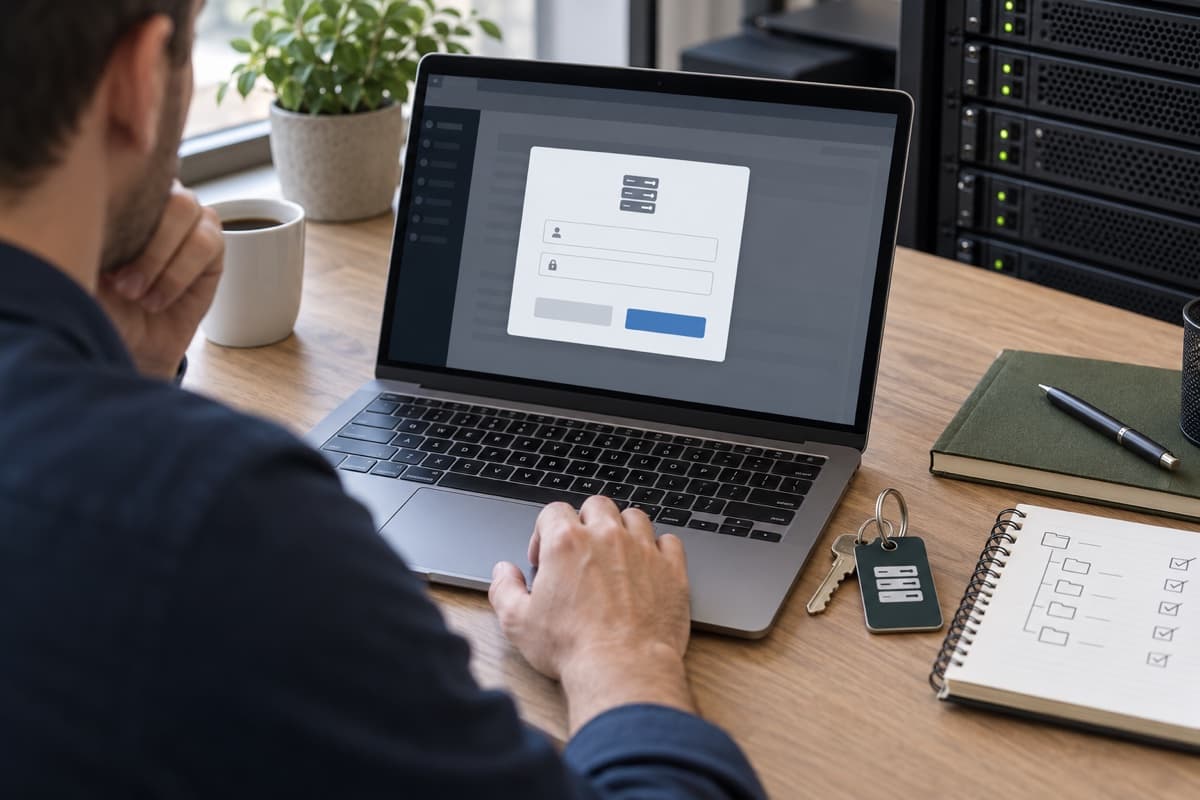
When WordPress cannot modify its files directly, it may ask for FTP or SSH connection details before installing an update. This is usually a file-ownership issue, not a request for your WordPress username and password.
Do Not Enter the Wrong Password
The dialog expects hosting filesystem credentials, not the credentials used at /wp-admin/. Never send passwords to an unfamiliar person or store them in a public screenshot.
If the prompt appeared suddenly, check whether a migration, restore, deployment, or manual upload changed file ownership.
Check Filesystem Permissions
Open Tools → Site Health → Info → Filesystem Permissions. WordPress needs appropriate write access to its update locations. Typical Linux starting points are 755 for directories and 644 for files, but ownership must match the host's PHP setup.
Do not set the site to 777. Ask hosting support to assign the files to the correct account and web-server group. Managed hosts often have a platform-specific repair tool.
Understand the Connection Method
WordPress chooses a filesystem method based on ownership and server configuration. Its official update guide explains that direct updates work when the process can safely create correctly owned files; otherwise it requests connection information.
On some shared hosts, requesting FTP credentials is intentional. Use SFTP or SSH where supported, and follow the provider's instructions.
Be Careful With FS_METHOD
You may see advice to add define( 'FS_METHOD', 'direct' ); to wp-config.php. This does not repair unsafe ownership. Use it only when your host confirms that direct writes are appropriate for its environment.
Avoid saving plain FTP passwords in wp-config.php unless the host explicitly requires it and you understand the exposure.
Test the Result
After permissions are corrected, install a small trusted update and confirm that WordPress no longer asks for credentials. Then verify the public site and remove any temporary configuration added during testing.
The lasting solution is correct ownership—not broader permissions and not a permanently stored password.
Share