WordPress Migration Plugin vs Manual Migration: Which Is Safer?
Plugin or manual? Compare both WordPress migration methods by safety, control, server limits, URL handling, and the situations where each one makes sense.
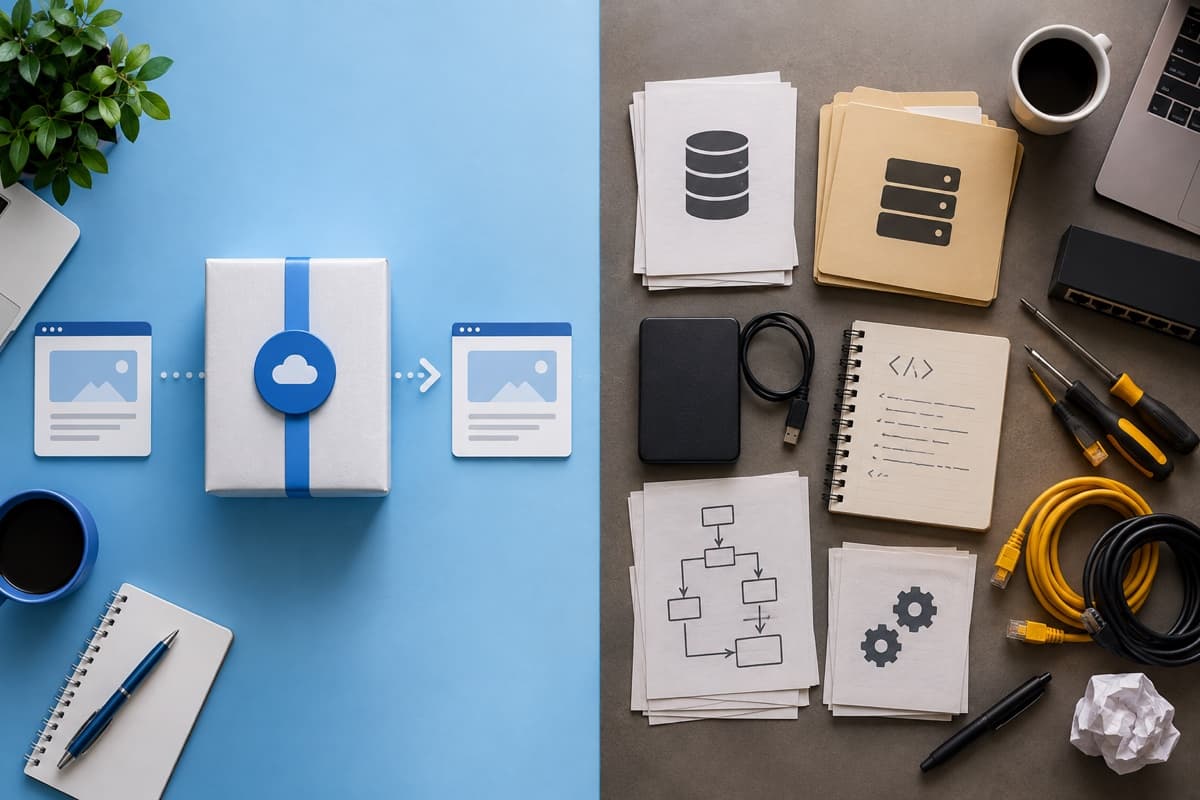
There are two ways to move WordPress. A plugin packages and deploys the site for you. A manual migration gives you direct control over files, database, config, and URLs.
Neither is automatically safer. A plugin is safer when it replaces unfamiliar manual work with a tested WordPress-aware process. Manual is safer when a skilled admin needs precise control and the plugin workflow doesn't fit the environment. The site decides—not the method.
What a Migration Plugin Actually Does
A good migration plugin collects the database and files, packages or transfers them, and updates stored URLs during deployment. That last part matters. WordPress data can contain serialized values. A basic find-and-replace on the database corrupts them.
Plugins are the right call when:
- Both WordPress dashboards work
- It's a normal single-site install
- The host supports the plugin's process
- You want logs and validation
- You don't manage databases or server config regularly
The catch: the plugin still runs inside a hosting environment. Upload size, execution time, disk space, firewalls, and PHP limits can kill the job halfway.
What Manual Migration Actually Involves
Manual means copying all WordPress files, exporting and importing the database, updating wp-config.php, replacing URLs safely, refreshing rewrite rules, and testing the destination.
Manual is the right call when:
- The WordPress dashboard is unreachable
- A plugin can't handle the site's size or server limits
- You have SSH, WP-CLI, database, and file access
- You need to move only selected components
- The site has a custom deployment process
- You're working with multisite or unusual infrastructure
Manual doesn't mean clicking through a file manager. Experienced admins use rsync, mysqldump, and WP-CLI. Faster, more observable, and easier to script for large sites.
Safety Comparison
| Area | Plugin | Manual |
|---|---|---|
| Ease of use | Guided, beginner-friendly | Requires server and database knowledge |
| URL replacement | Usually built in | Must use a serialization-aware tool |
| Large sites | May hit hosting limits | Efficient with SSH and command-line tools |
| Control | Follows the plugin's workflow | Full control over each component |
| Recovery | Often includes an archive or backup | Depends on the backup you create |
| Error visibility | Plugin logs and messages | Server, PHP, database, and command logs |
Where Plugin Migrations Go Wrong
Usual suspects: incomplete archive, not enough destination storage, upload limit hit, a security rule blocks the request, or extraction times out.
Don't jump to a different plugin immediately. Read the log. Check server limits. Confirm the archive actually contains the database and uploads before retrying.
Where Manual Migrations Go Wrong
Manual errors are worse. Importing into the wrong database, missing hidden files, wrong credentials, or a raw search-and-replace can take the site down completely.
WordPress's official migration guidance warns that blanket database replacements damage serialized data. Use WP-CLI's search-replace or another WordPress-aware tool. Back up the database first.
Which One Should You Pick?
For a normal business site, portfolio, or blog: use a reputable plugin. Less repetitive work, safer URL handling, fewer ways to break things.
For a very large site, broken dashboard, restricted host, multisite network, or custom infrastructure: a controlled manual or command-line migration is more reliable—if the person doing it knows the server and database.
There's a useful middle ground. Let a plugin build a portable archive, then transfer it by SFTP or deploy it with an installer. Duplicator's classic workflow is one example.
Safety Checklist for Either Method
- Store a full backup away from the source server
- Back up or protect the destination
- Record DNS, PHP, database, and email settings
- Test on a temporary URL before changing DNS
- Plan for orders or submissions created during the move
- Keep the old host live during verification
Bottom Line
A plugin is safer when it replaces unfamiliar manual work with a tested, WordPress-aware process. Manual is safer when a skilled admin needs precise control and the plugin workflow conflicts with the environment. Pick based on the site. Not on which method sounds more professional.
Share