Essential Digital Skills Every Student Should Learn
I teach high schoolers. They're not digital natives. Here are the eight skills every student actually needs—before they graduate.
I teach high schoolers, and every year I hear the same thing: "They're digital natives. They grew up with phones. They already know this stuff."
They don't.
I've watched seniors copy-paste the first Google result into an essay without reading it. I've seen group projects fall apart because nobody knew who owned the shared doc. I've had a student nearly get scammed by a fake login page that looked exactly like the school portal.
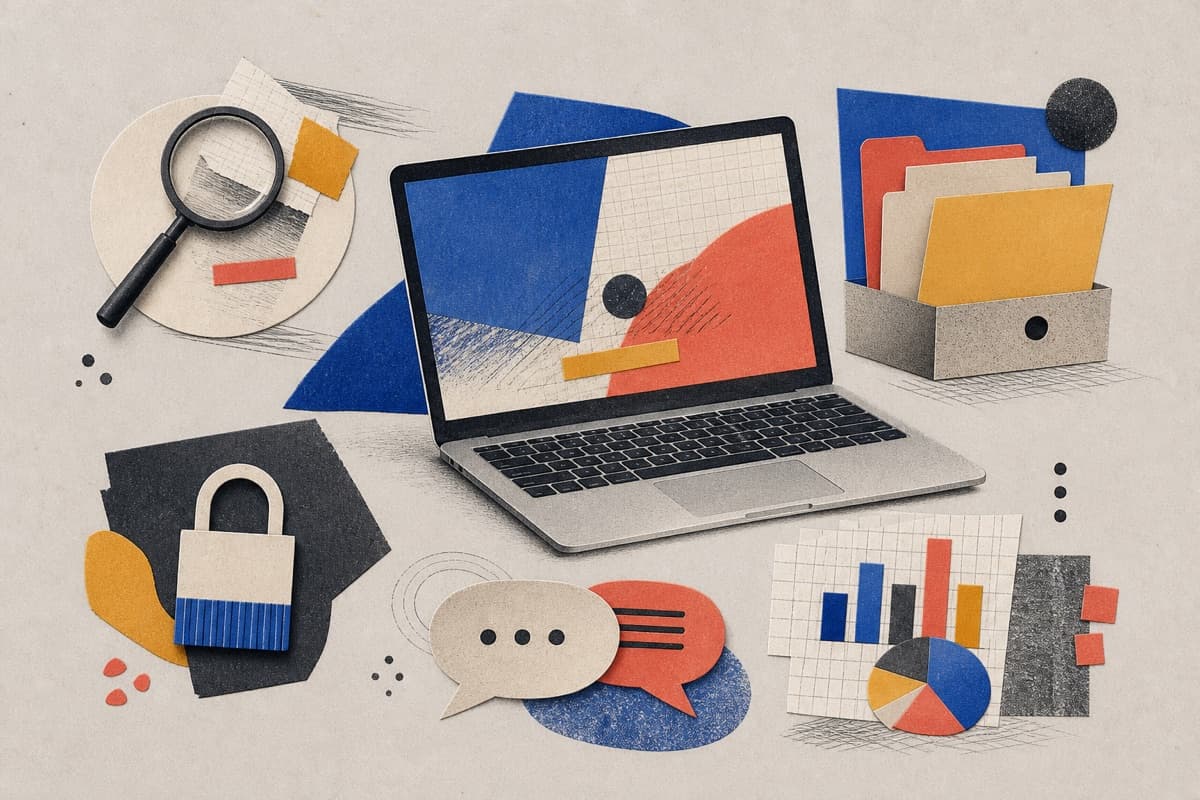
Being comfortable with a phone is not the same as using technology well. School, work, and life require real skills: finding reliable information, protecting accounts, organizing files, communicating clearly, and understanding what AI can and can't do.
Here's what every student should learn before they graduate.
1. Search beyond the first result
The first Google result isn't always the best one. Sometimes it's an ad. Sometimes it's outdated. Sometimes it's just wrong.
Teach students to ask a precise question, try different search terms, and compare at least three sources. Check who wrote it, when it was updated, and whether other credible sources agree.
A shiny website means nothing. Look for evidence, expertise, and transparency.
2. Organize files so they can be found again
I've seen students lose an entire essay because they saved it as "final-new-really-final" and couldn't find it again.
Teach them to name files clearly: history-essay-draft-02. Create folders by subject or project. Know where things are saved—on the device, in the cloud, or both.
And learn the basics: download, upload, move, rename, share, restore. These tiny skills prevent massive last-minute panic.
3. Work with documents and spreadsheets
This isn't about memorizing every menu. It's about knowing which tool fits the task.
Documents: headings, lists, comments, citations, accessible formatting. Spreadsheets: entering clean data, simple formulas, sorting, filtering, making a readable chart.
Nobody needs to be an Excel wizard. They just need to not be helpless.
4. Protect accounts and personal information
Use long, unique passwords. Turn on multi-factor authentication whenever it's offered. Recognize suspicious links, fake login pages, and weird attachments.
Before posting or sharing, check who can see it and what's in the background. Privacy settings help, but they don't guarantee anything. Once it's out there, it's out there.
5. Communicate clearly online
A good email has a clear subject line, a polite opening, a specific request, and enough context. A good discussion post responds to ideas, not people.
Tone matters, too. A short reply can sound angry when you're just being efficient. And not every disagreement needs an instant response. Wait. Breathe. Then write.
6. Collaborate without creating chaos
Group projects fall apart when nobody knows who owns the file, what the deadline is, or how feedback works.
Before starting, agree on a naming system and a review process. Learn how suggestions, comments, version history, and permissions work—before things get urgent.
And please: don't give editing access when view-only is enough.
7. Understand AI-assisted work
AI can help brainstorm, explain a concept differently, or clean up a rough outline. It can also make up facts, cite fake sources, and sound confident while being completely wrong.
Verify important claims. Follow school rules. Don't paste private information into a chatbot. And if you use AI, be honest about it.
Submitting work you don't understand isn't learning. It's cheating yourself.
8. Read data with healthy skepticism
A chart can be technically true and still misleading. Check what it measures, where the data came from, whether the scale is skewed, and what's missing.
A dramatic graph might be telling a very incomplete story.
A simple way to practise
Pick one real project. Use everything: research from multiple sources, organize the files, write in a shared doc, analyze a small table, cite your evidence, and check your privacy settings before sharing.
That's how these skills stick. Not from a lecture. From doing it.
Final thoughts
Digital skills aren't a class you finish. Tools change. Habits stay.
Learn how to investigate, organize, create, communicate, and protect information. Those abilities make new technology easier to understand—and harder to misuse.
Your phone won't teach you this. You have to learn it.
Share